


.png?width=18&height=18&name=Vector%20(5).png)



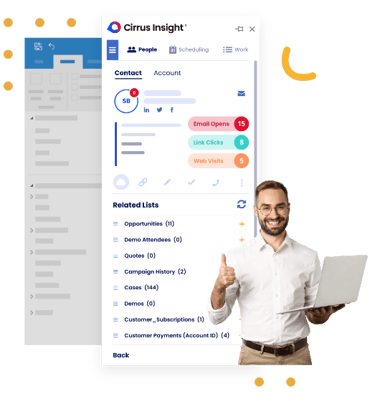
Get Started with Cirrus Insight
The quick way to create a user and start increasing conversion rates.


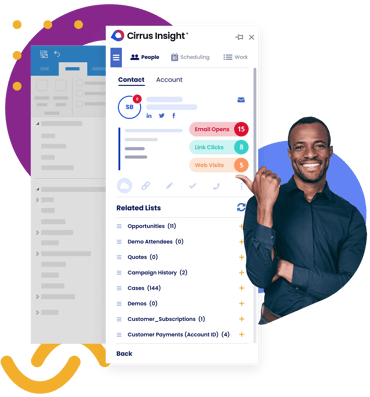
Connect Cirrus Insight
Follow the steps to connect your Salesforce and Email accounts with Cirrus Insight.
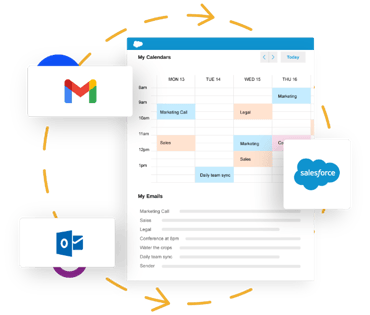
Setup Email Sync
Set up rules, filters, and enhancements to customize which emails should be synced.
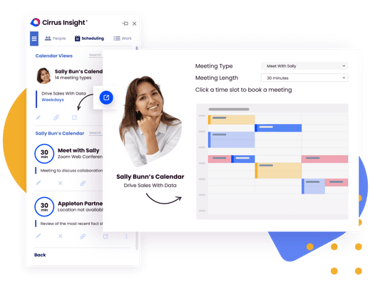
Scheduling Quick Start Guide
The quick way to set up your calendar and start booking meetings.
.png?width=370&name=Group%2037375%20(9).png)
Setup Smart Scheduler
In-depth overview of Smart Scheduler with a step-by-step guide to creating your first smart schedule.
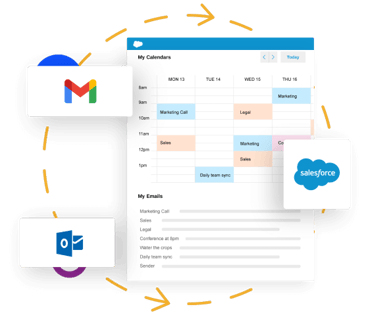
Setup Calendar Sync
Keep events in sync between Salesforce and your email calendar.
-1.png?width=370&name=Works-wherever-you-are-desktop-mobile%20(1)-1.png)
How to Use the Sidebar
Learn how to complete common Salesforce actions directly from the inbox.
Overview Demo
Watch a recorded live overview demo of Cirrus Insight for Gmail or Outlook.
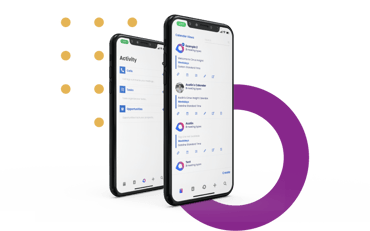
Mobile Walkthrough Videos
Access walkthrough videos on how to use Cirrus Insight on mobile for both Gmail and Outlook.
Tutorial Videos
Access a library of tutorial videos on how to configure sync, how to setup calendar scheduling, and more.
Customer Training Videos
Explore and watch recordings of product-focused customer training events and webinars.
Admin Overview Guide
This guide will help you navigate the Admin Dashboard to set up your organization for success.
* The Admin space is NOT available during a Free Trial


